
Case Study
SquaredIoT Mobile App
An Android app for real-time management and monitoring of Squared IoT devices — built alongside device firmware with QR-code pairing and live MQTT data streaming.
MOBILEIoT Platform3 months2024
Case Study
An Android app for real-time management and monitoring of Squared IoT devices — built alongside device firmware with QR-code pairing and live MQTT data streaming.
The Challenge
As we expanded our range of IoT hardware, a clear gap emerged: customers needed a single, intuitive mobile interface to add, configure, and monitor all their Squared IoT devices in real time — without complex setup or technical knowledge.
The app had to work hand-in-hand with device firmware. QR-code scanning needed to handle onboarding instantly, while MQTT kept sensor data flowing live to the screen. The interface had to be clean enough for non-technical users yet expressive enough for engineers.
Security was non-negotiable — all data had to stay private, with no third-party sharing. And the app needed to be free, readily discoverable on Google Play, and maintainable alongside ongoing firmware releases.
App Design & Onboarding
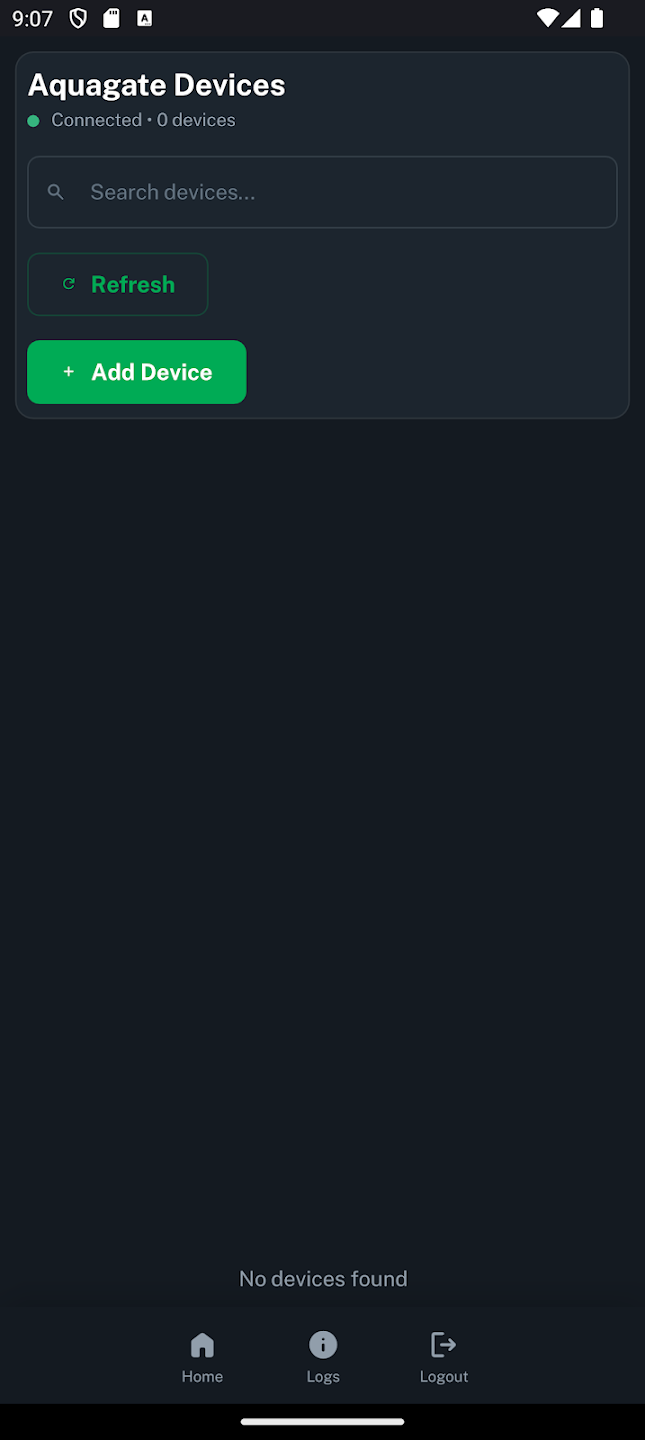
Device onboarding was designed to be a single step: point the camera at the QR code on any Squared IoT device and it appears in the app immediately — no IP addresses, no manual credential entry.
The UI was built with a clear hierarchy — device list, live readings, and controls — so first-time users can navigate without guidance. A consistent design language across all device types means the same patterns work whether you're managing a sensor node or a gateway.
We iterated through multiple prototypes with real users before locking the onboarding flow, cutting the average time from install to first live reading to under 60 seconds.
Real-time Monitoring
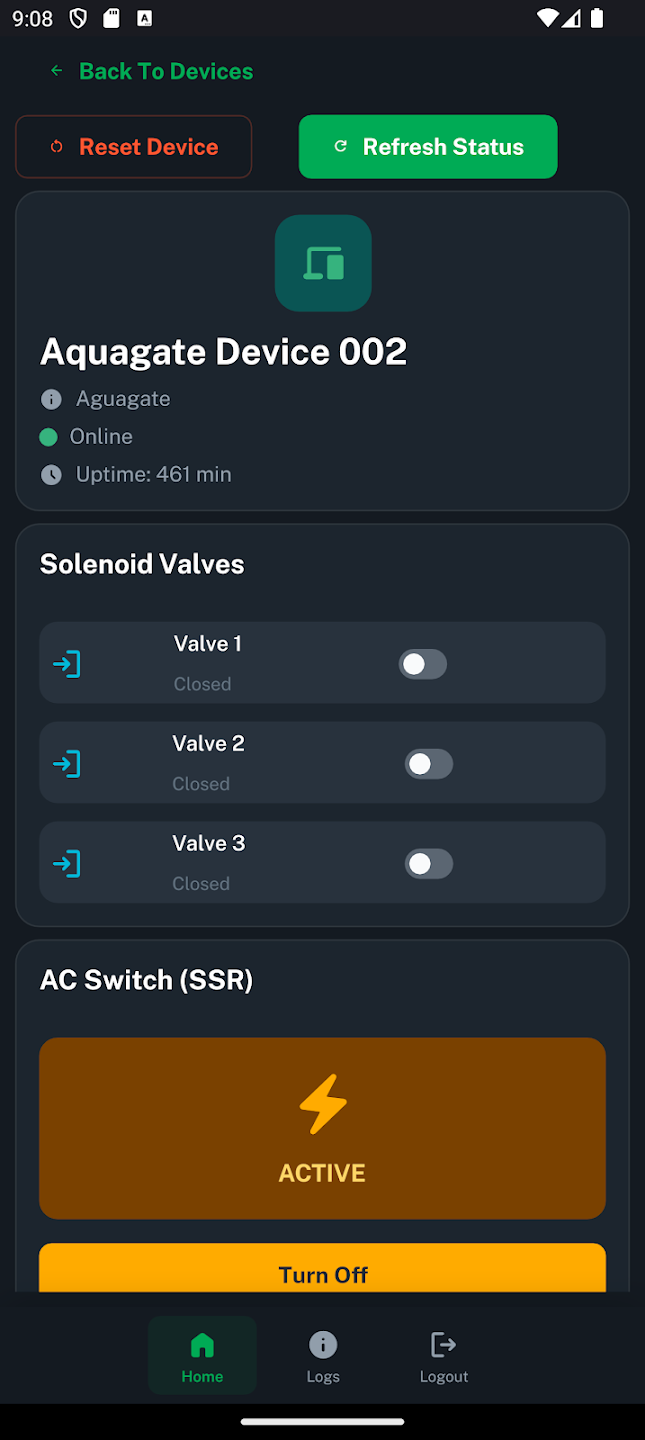
MQTT keeps the app and device in constant sync. Sensor readings, actuator states, and connectivity status update in real time — no polling, no stale data.
Each device card shows a live feed of its key metrics, colour-coded for at-a-glance status. Tap into a device for a full dashboard with historical readings and manual controls.
The MQTT client handles intermittent connectivity gracefully — queuing commands locally and replaying them on reconnect, so actions taken offline are never lost.
Security & Privacy
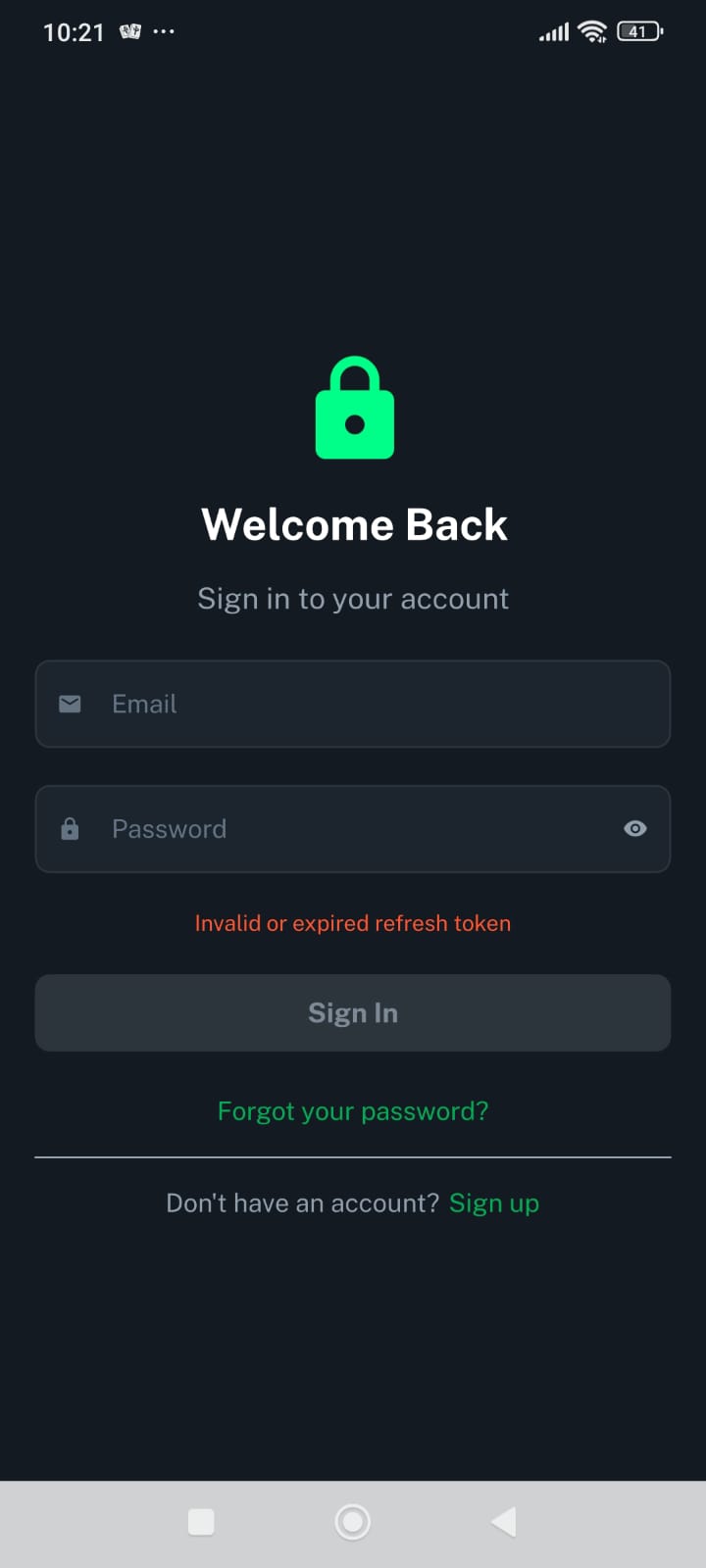
All communication between the app and devices is encrypted. No sensor data, device names, or usage analytics are shared with third parties — everything stays within the Squared ecosystem.
Device credentials are stored securely using Android's Keystore system. QR-code pairings include a per-device secret that prevents unauthorised access even if the code is photographed.
The app is rated 3+ on Google Play — reflecting a deliberate choice to keep permissions minimal: camera for pairing and network access for MQTT, nothing else.
Technology Used
Qt · QML · C++
MQTT · Real-time streaming
QR Code · Instant onboarding
Android Keystore · Encrypted comms
Google Play · Free
Squared IoT Cloud · REST API
Work With Us
Every project starts with a conversation. Tell us your constraints and goals — hardware, firmware, or full stack — and we'll tell you how we'd approach it.